K-Touch air-to-water
Manages the heat pump and the climate of every room. For houses, villas, offices and shops.
- Heat pumps
- 1 KITA air-to-water
- Rooms
- up to 12, with ROOM or DOME sensors
- Display
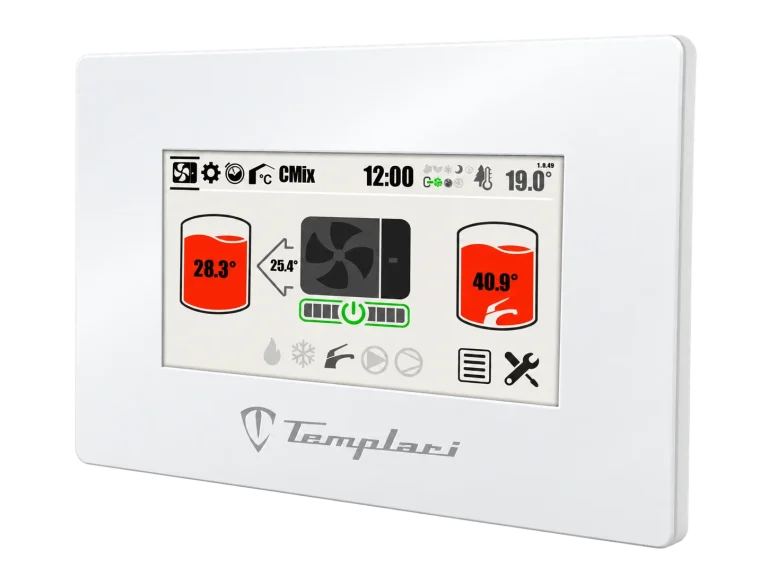
- 7" touchscreen
A touch panel, software that controls every room and access from your PC or smartphone. From the villa to the apartment building, up to 6 KITA heat pumps managed as one system.

Remote access
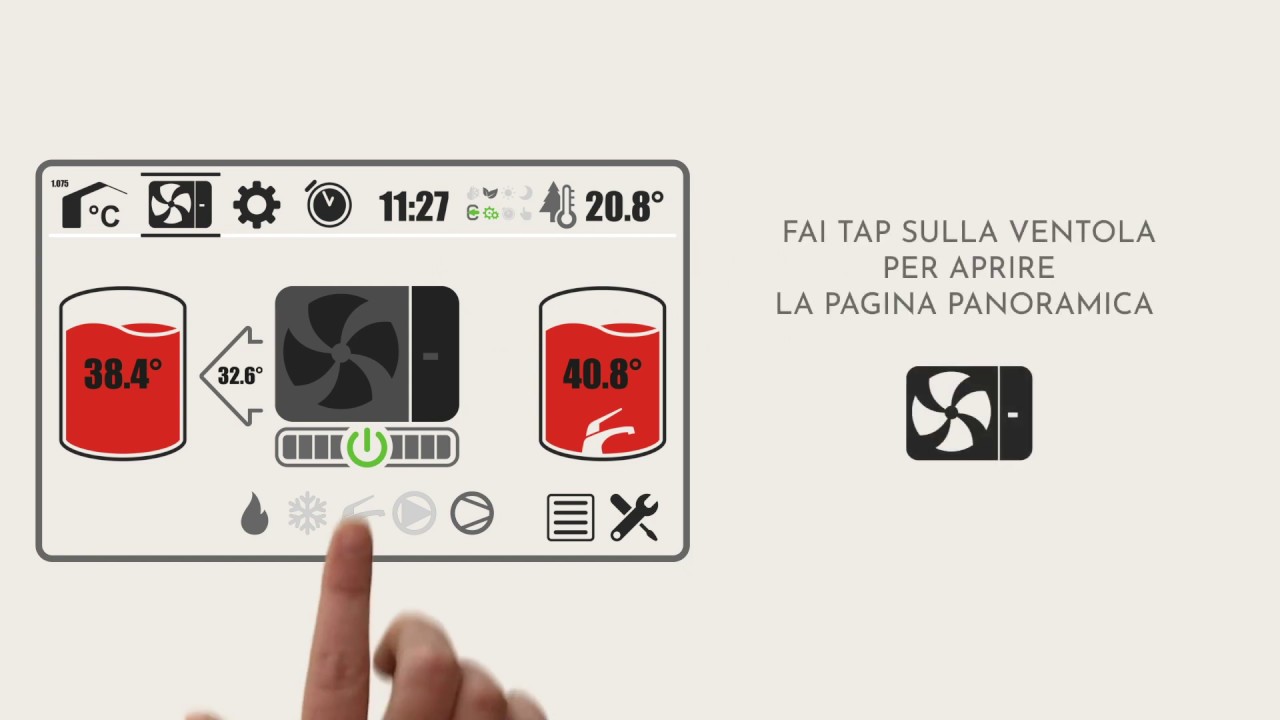
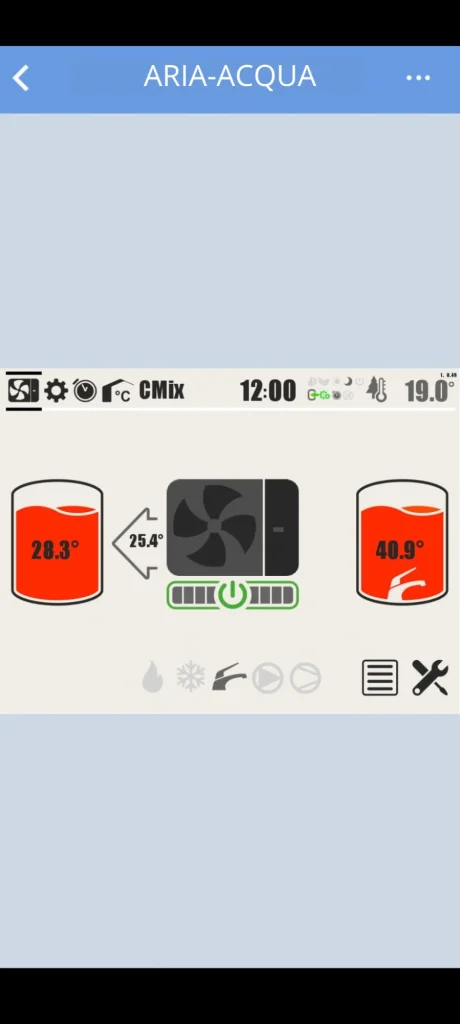
Temperature and humidity of every room, status of the heat pump and of the storage tanks.
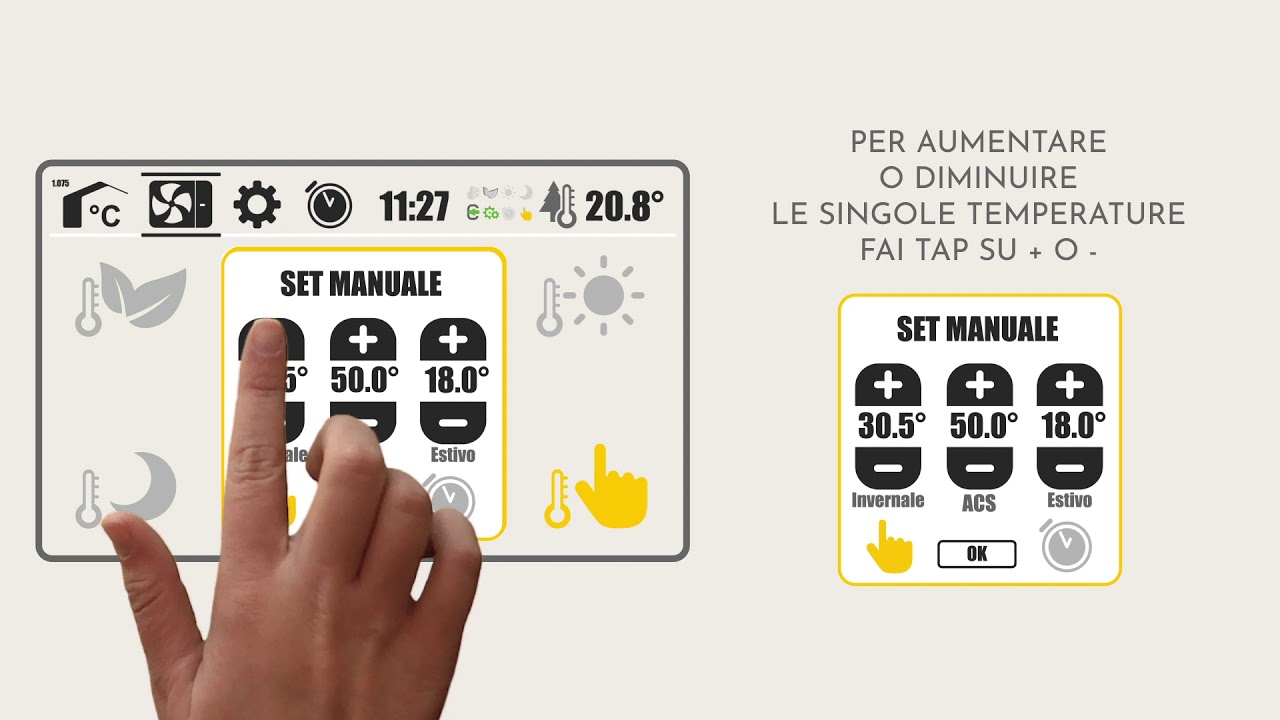
On/off, heating or cooling, setpoints and the ECO, DAY and NIGHT profiles.
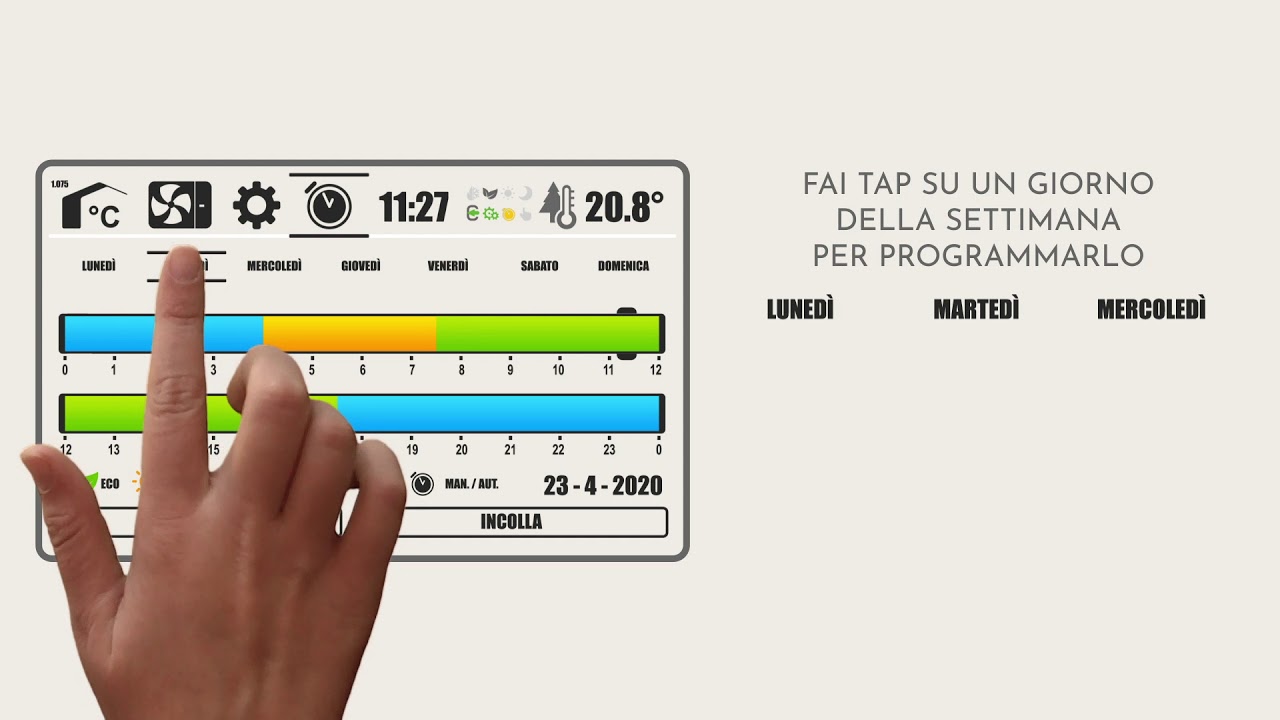
Time slots for every day: the house is at the right temperature when you need it.
The Templari technician can connect to the panel and intervene without coming on site.
The panel
The K-Touch is the command centre of the system. The software changes, not the way you use it: menus, icons and profiles stay the same.
Manages the heat pump and the climate of every room. For houses, villas, offices and shops.
Coordinates the work of all the units, for heating and for hot water. For apartment buildings, hotels, offices and the tertiary sector.
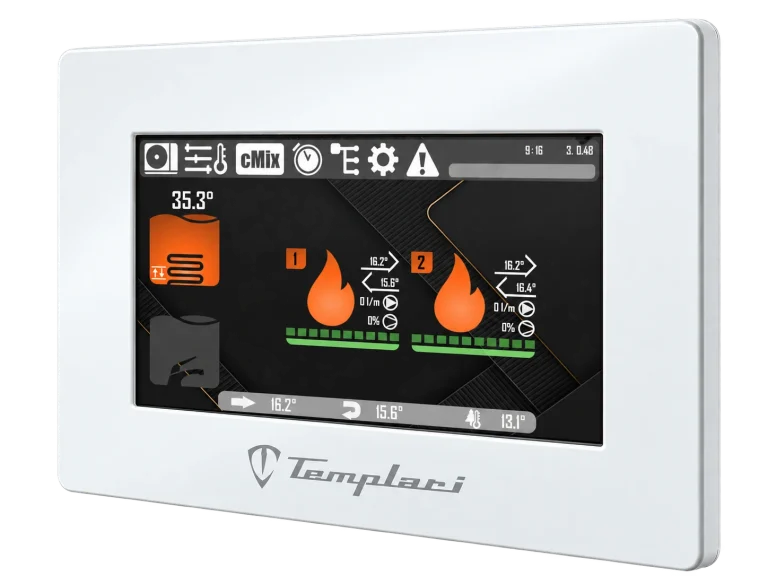
HCC software
HCC is the K-Touch software for systems with one heat pump. It reads the temperature and humidity of every room, controls the modules that manage the circuits and decides how hard the heat pump should work: it does not heat the whole house the same way, but each room as much as it needs.
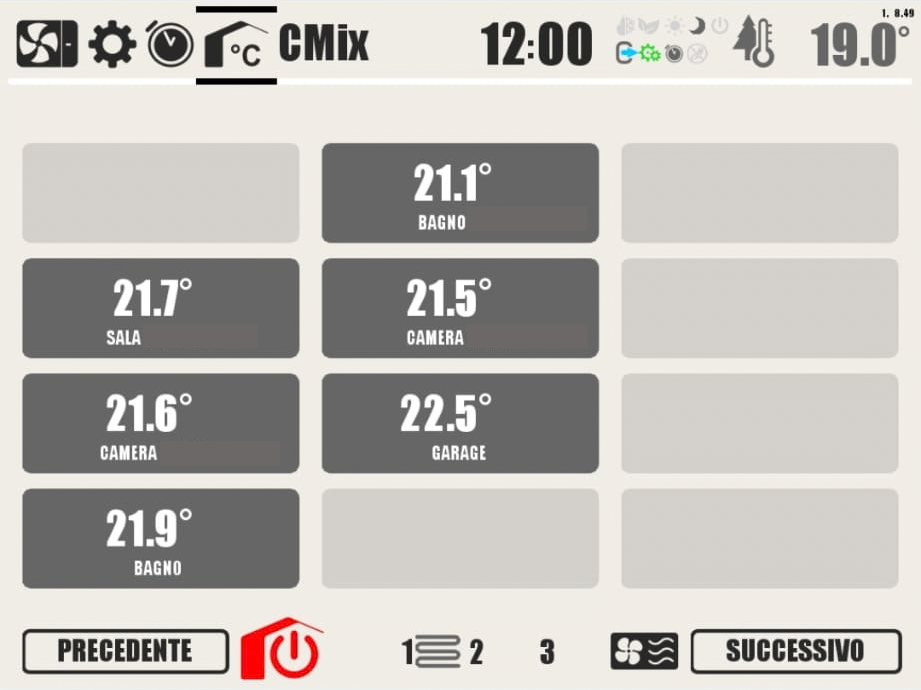
ROOM or DOME sensors detect the temperature and humidity of each room, up to 12.
The installer assigns each room its square metres. The larger the room and the further it is from the setpoint, the more its request counts.
The sum of the requests becomes the compressor's working percentage. The unit's setpoint remains only as a safety threshold.
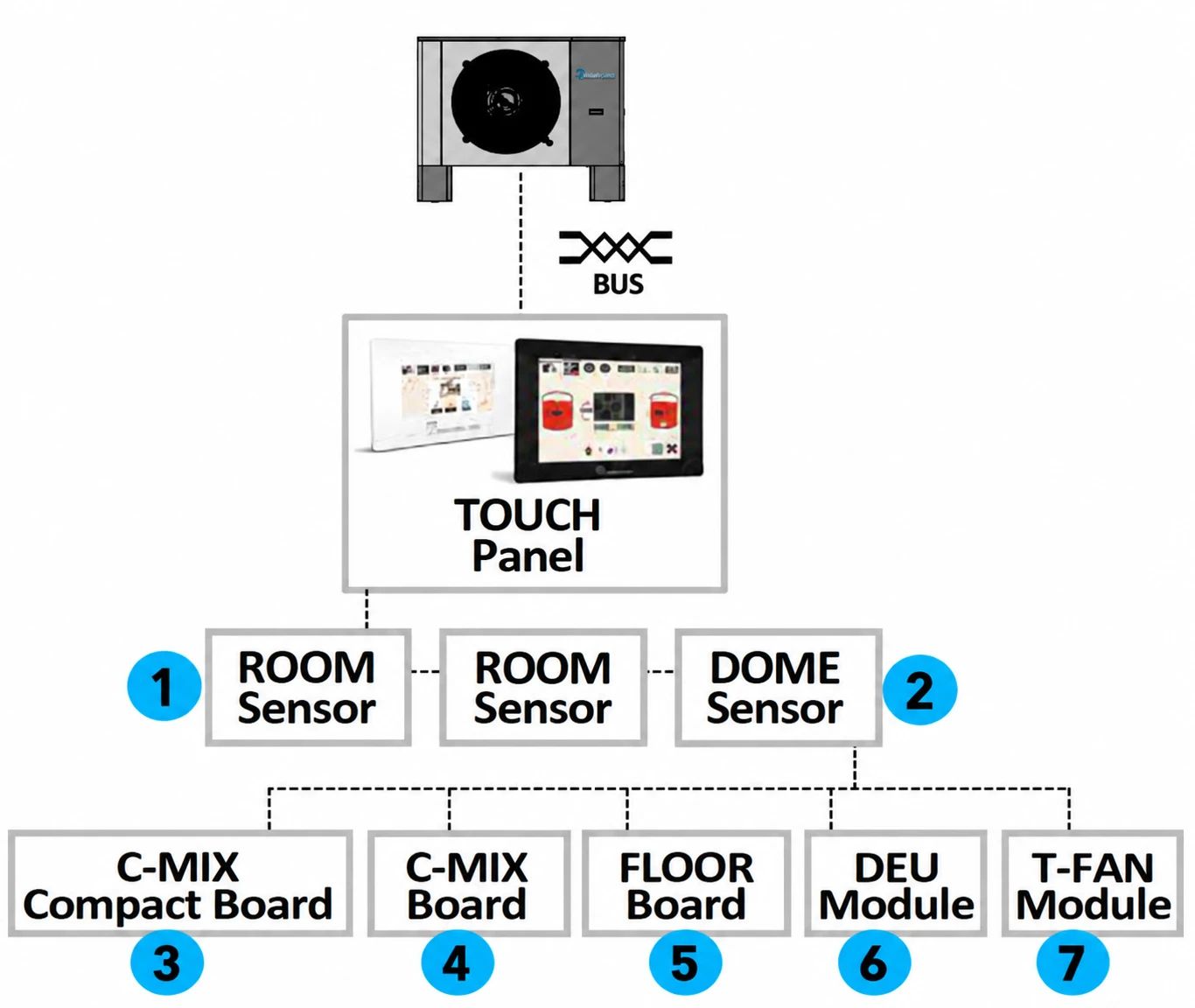
The K-Touch communicates with the heat pump and with the system modules through the communication bus. Each module has a precise task: only the ones you need are installed.
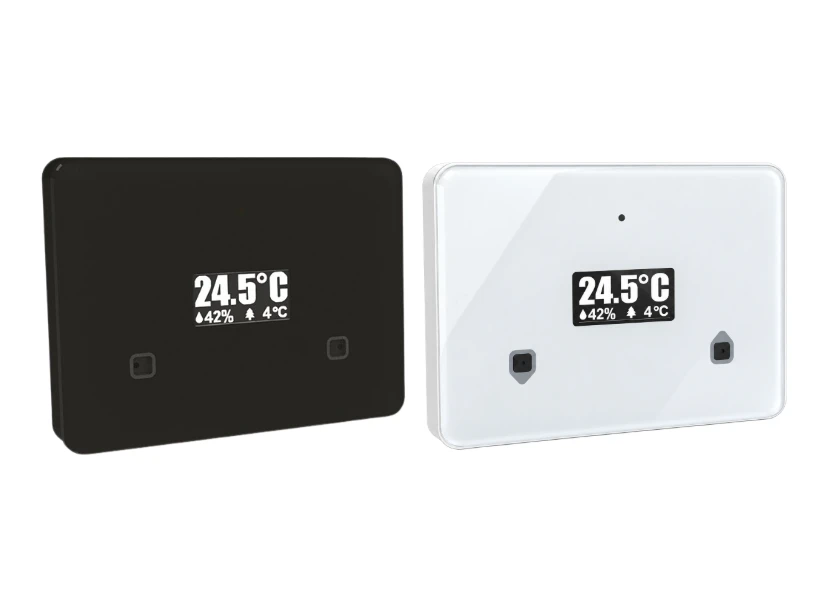
Wall-mounted temperature and humidity sensor with display. If the installer enables it, the setpoint can be changed directly from the room using the dedicated buttons. Available in two colours: black and white.
For living rooms, bedrooms, studies: wherever the people using the room want to adjust it.Up to 12 rooms, between ROOM and DOME sensors.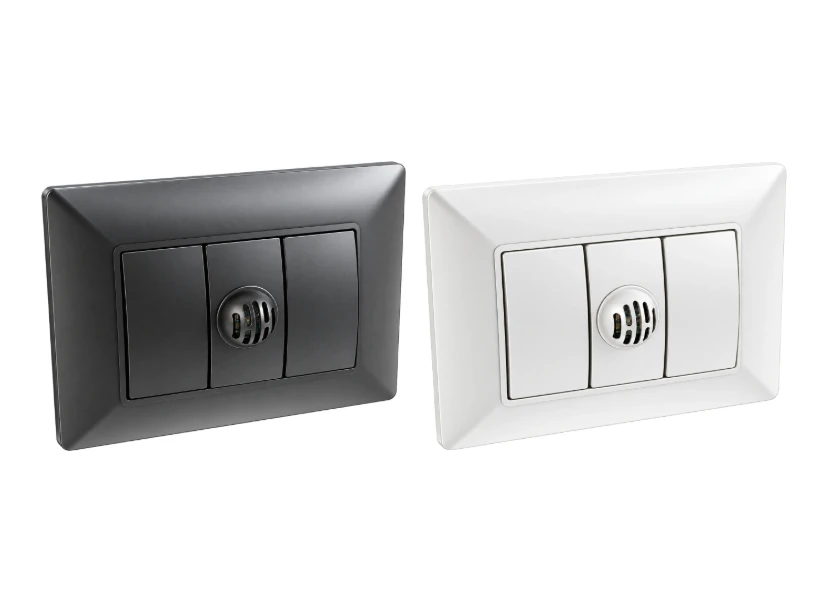
Temperature and humidity sensor with no visible controls. The setpoint is set only from the panel. Available in two colours: black and white.
For hotel rooms, offices, schools and public spaces.Up to 12 rooms, between ROOM and DOME sensors.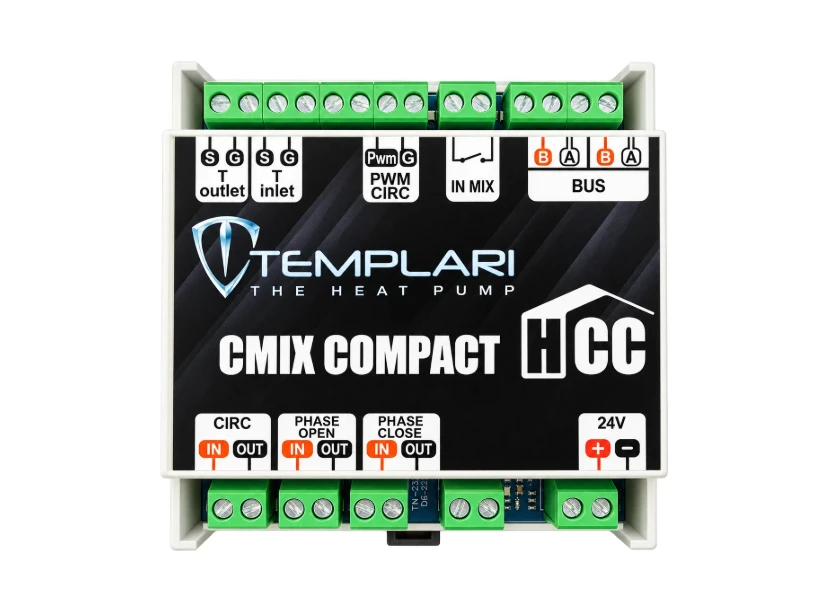
The version with a single mixed circuit, with the same functions as the CMix.
To connect the heat pump to an existing system with a single circuit.Up to 8 modules can be installed, between CMix and CMix Compact.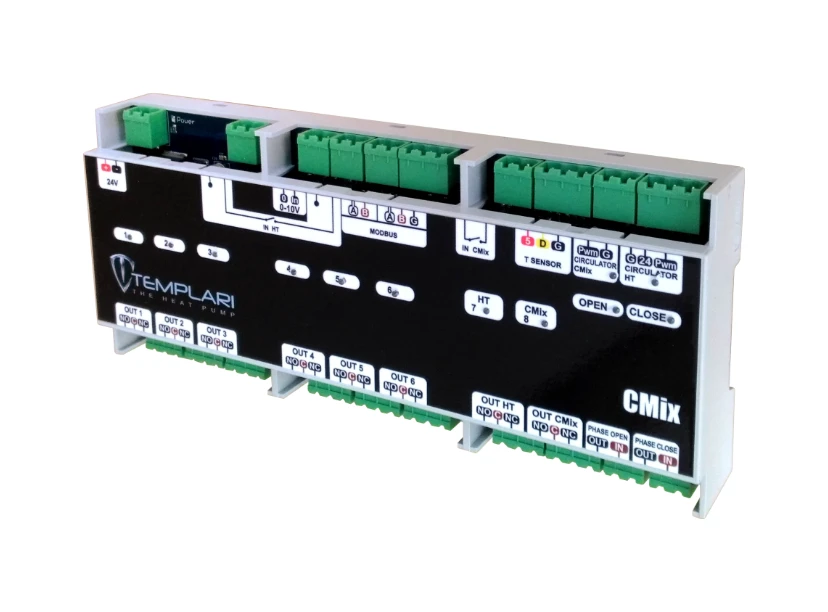
Manages two secondary circuits: one direct and one mixed. They are enabled by an external contact or by the request of the associated sensors; start-ups can be delayed and the pumps stopped during domestic hot water production.
For mixed systems, for example radiators or fan-coil units plus underfloor heating.Up to 8 modules can be installed, between CMix and CMix Compact.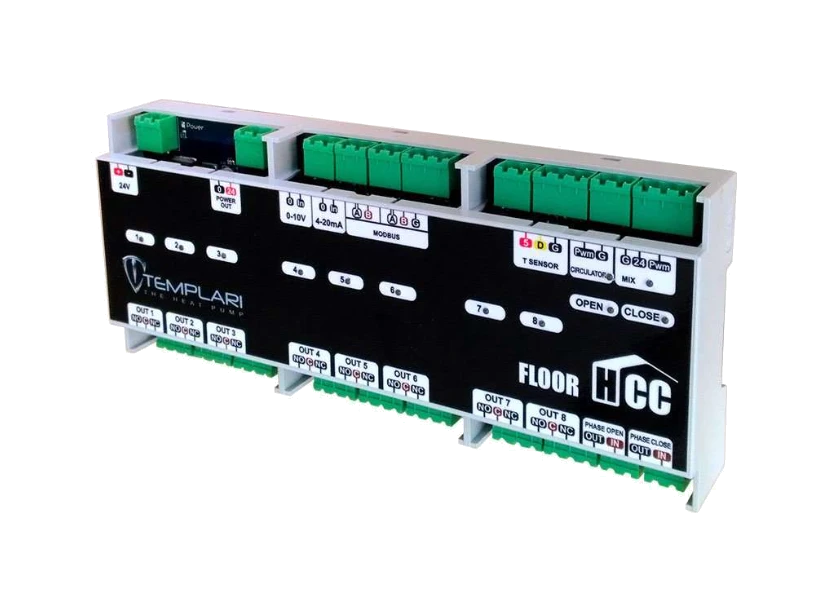
Manages the radiant system of a zone: three-way mixing valve, modulating circulator and room valves. In cooling mode it keeps the flow temperature above the highest dew point of the zone, preventing condensation; if the water exceeds the maximum temperature an alarm is triggered.
Up to 3 boards, one per radiant zone.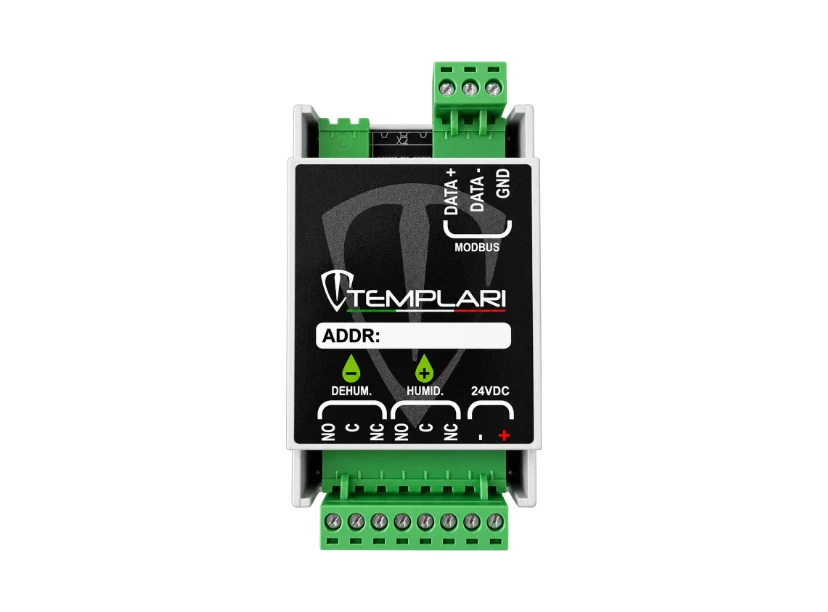
Controls relative humidity: it switches on the dehumidifier or the humidifier based on the temperature and humidity of every room in the zone.
Up to 3, one per zone: works together with a FLOOR module.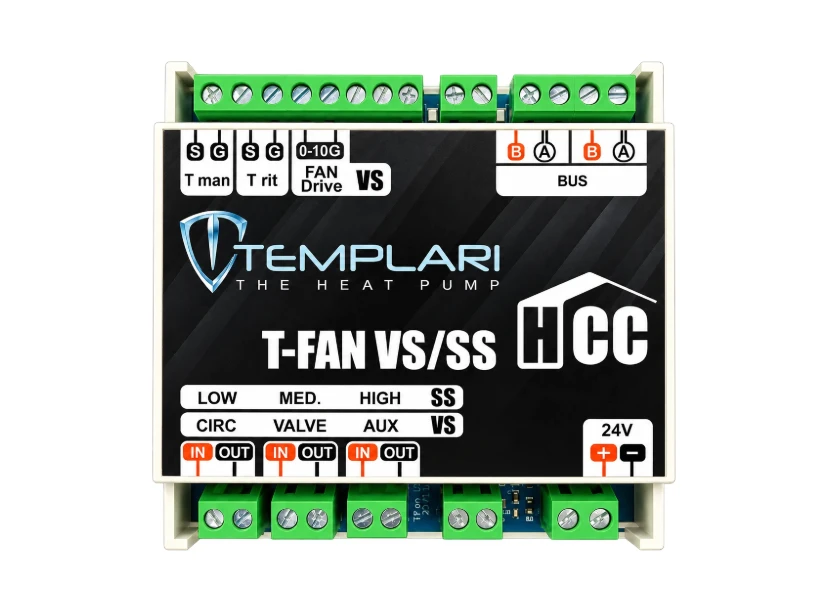
Controls the fan-coil units according to the request of the room sensor: T-FAN VS for continuously variable speed fan-coils, T-FAN SS for 3-speed fan-coils. With Templari fan-coils you choose speed and louvre position from the panel.
For rooms with fan-coil units, alone or together with radiant systems.Up to 12 boards can be installed, between T-FAN VS and T-FAN SS.ECO, DAY and NIGHT have different setpoints for winter, summer and domestic hot water. Switch between them with a tap, or let the schedule decide.
Output follows the real demand of the rooms, weighted by surface area and distance from the setpoint, instead of a fixed water temperature.
When it is milder outside it slightly raises the setpoints, when it is colder it lowers them: the house stores heat when the heat pump is most efficient. The offset is adjustable, 1 °C by default.
The heat pump setpoint adapts to the average outdoor temperature of the last 24 hours.
When no room requests heating or cooling, the heat pump goes to rest and does not keep topping up the buffer tank.
Cycle programmable by time and temperature. With a domestic hot water tank it must always be active.
Thermal output produced and electrical power consumed, daily COP with and without defrosts, comparison with the previous day.
The installer's contact details stay saved in the panel; with Easy Access 2.0 the technician can intervene remotely.
Multikita
When one unit is not enough, Multikita coordinates 2 to 6 KITA units. It decides how many to switch on, makes them work in turn and, if one goes into alarm, replaces it with the next one.
The unit in alarm is excluded and the work passes to the others.
Rotation between units and monitoring of operating hours.
Smooth Mode, dynamic threshold based on outdoor temperature and multiple start.
Simultaneous production: some units serve domestic hot water.
Legacy mode with a common flow line or a single three-way valve.
Direct and mixed secondary circuits, each with its own flow temperature.
Energy metering and system COP.
Automatic notification to the contacts you choose.
Limited output in the time slots you set, for example at night.
Supervisor function for the building management system.
Easy Access 2.0
Control your home or building from wherever you are, change temperatures and schedules and get Templari support without waiting for a technician.
Who it is for
Compatible heat pumps
Outputs at A 7 °C / W 35 °C, 2026 technical catalogue.
Video tutorials
Documentation
HCC installation manual PDFCMix and CMix Compact manual PDFT-FAN installation manual PDFAll documentation →Do you have an air-to-air system?
Manage up to 15 KITA AIR heat pumps in industrial buildings, warehouses and workshops.
Remote control for air-to-air heat pumpsFAQ
Yes, with Easy Access 2.0 from your PC or smartphone. After configuration, write to Templari and one of our operators will provide the credentials to access your account.
Yes. The panel manages the system locally; the connection is only needed for remote access and remote assistance.
Yes. With the CMix and CMix Compact modules the heat pump manages direct or mixed secondary circuits, also on systems already installed.
One with the HCC software. 2 to 6 in cascade with Multikita.
Yes. It manages up to 12 rooms, each with its own setpoint, and the DOME sensors have no visible controls.
Multikita excludes it and replaces it with the next one, redistributing the work among the others. If you enable notifications, the chosen contacts receive an email.
Contact us
Tell us about your space: a Templari technician will get back to you within 24 hours.
Templari S.p.A. Registered office:
Via C. Battisti, 169 – 35031 Abano Terme (PD) – Italy +39 049 8597400
info@templari.com